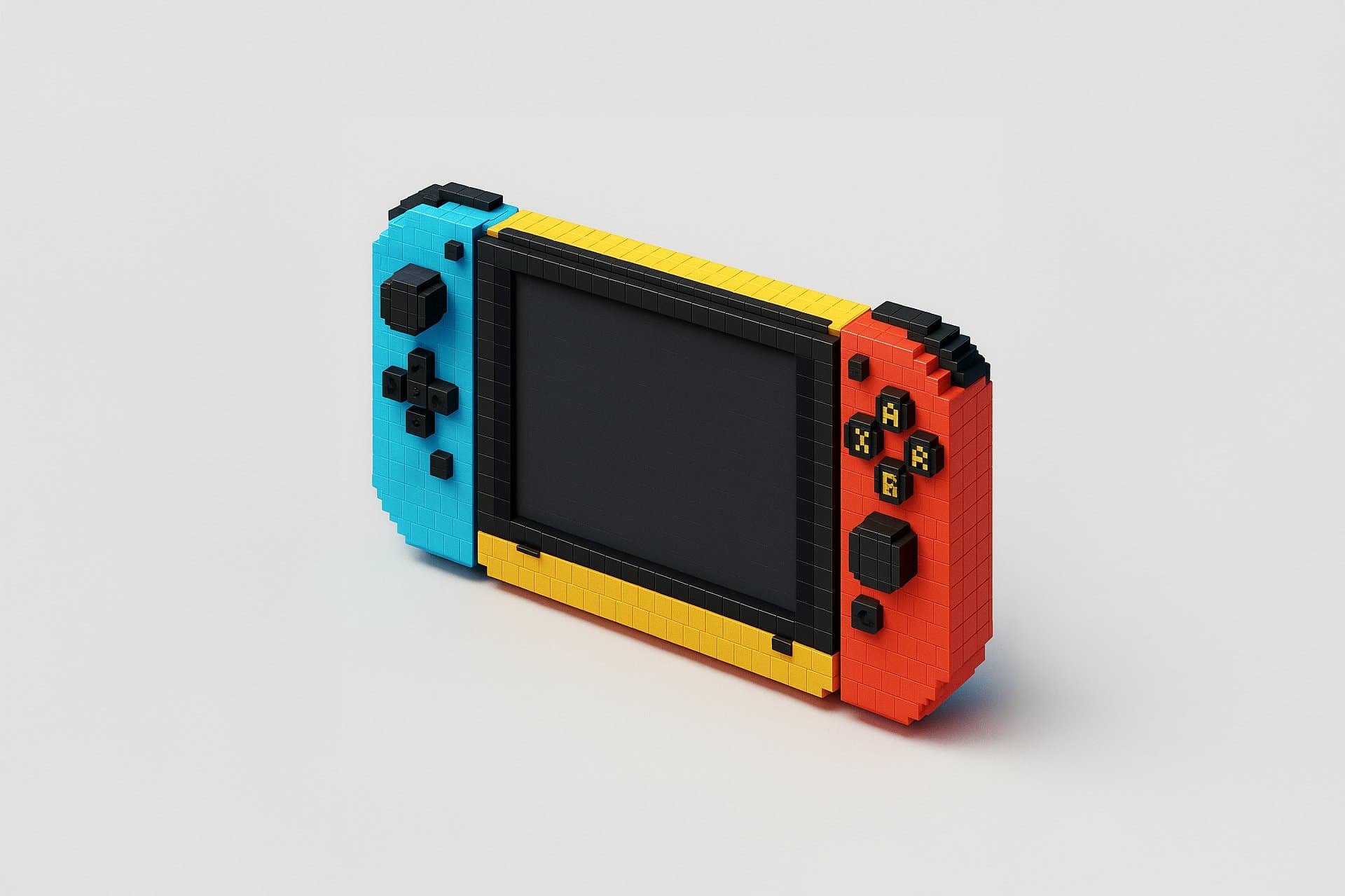
24 Nano Banana Prompts for Developers

Browse the prompts

Ultra clean high-contrast product presentation photograph of a desktop monitor setup with two silhouetted people seated on left and right, straight-on frontal view. The monitor displays {{screen-content}} fitted naturally to the screen with aspect ratio preserved, center-cropped if needed, subtle perspective matching applied to blend with the monitor surface, respecting bezel boundaries, soft screen emission glow. High contrast backlit studio lighting, bright white background light, foreground subjects rendered as dark silhouettes with minimal detail, screen brightness balanced so content remains clearly readable. Clean dark mode presentation aesthetic, accurate monitor proportions, crisp silhouette edges, no anatomical distortion or extra limbs, minimal composition. Commercial tech mockup quality, high resolution, photorealistic --ar 16:9 --v 6 --style raw --no text, UI elements, overla

Minimal Desktop Monitor Mockup Generator

Generates clean, high-contrast desktop monitor mockups with custom screen content displayed on realistic hardware, flanked by silhouetted figures in backlit studio lighting. Runs on Midjourney, Flux, and other AI image generators.
82
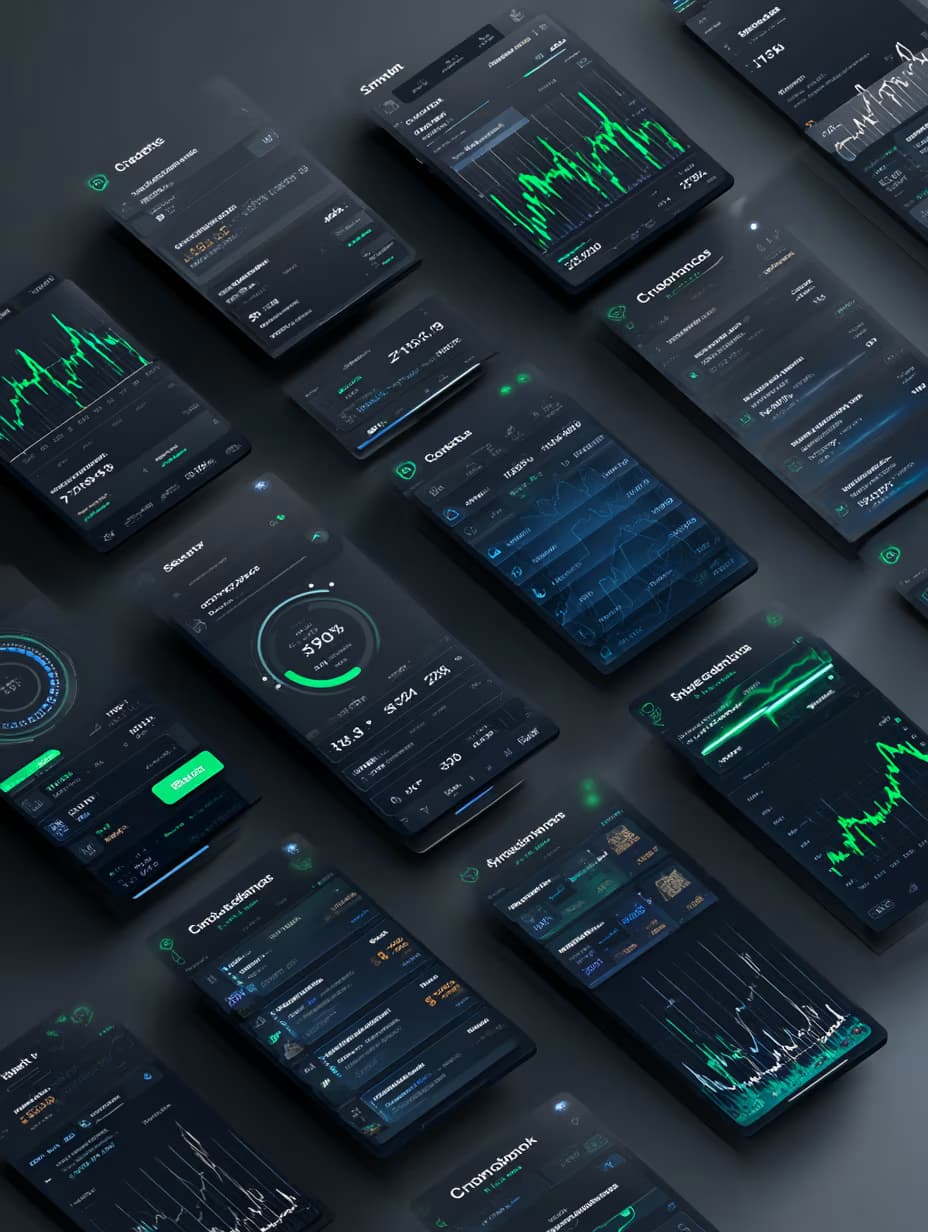
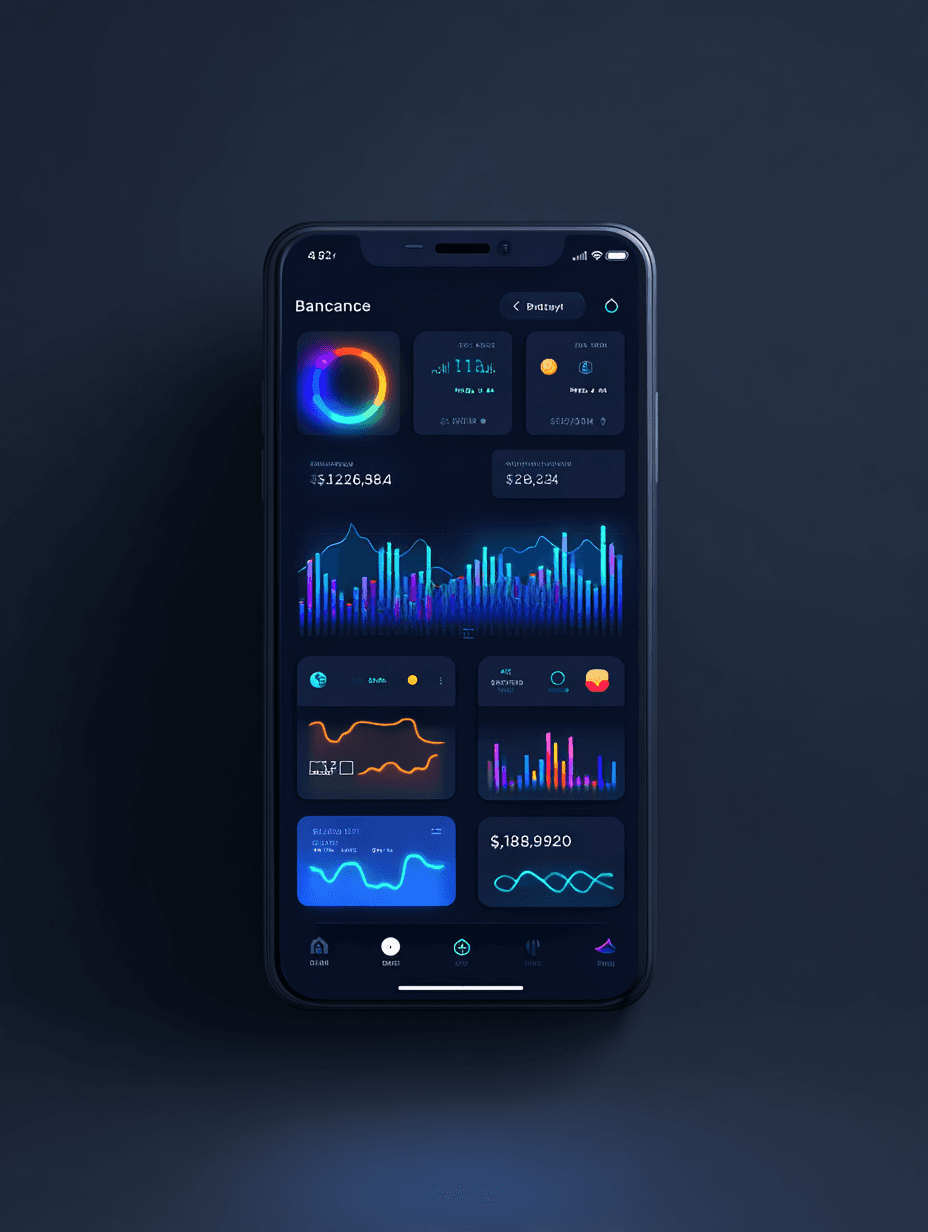
Design Tool Dashboard UI/UX with modular panel layout, drag-and-drop interface, minimal iconography, smooth gradient accents, intuitive and creative workspace experience, {{design-focus}}, clean typography, organized sidebar navigation, responsive grid system, modern flat design aesthetic --ar 3:4 --style raw

Modular Dashboard UI Design Prompt

Generates a modern dashboard interface with modular panels, drag-and-drop layout, and minimal iconography. Runs on Midjourney, Flux, and Nano Banana to produce clean, responsive UI/UX mockups.

36
Futuristic UI/UX dashboard with holographic interface, {{dashboard-purpose}}, glowing widgets, neon gradient backgrounds in cyan and magenta, immersive 3D data visualization charts, cyberpunk-inspired design language, smooth frosted-glass interactive panels, floating card elements, depth-of-field blur, volumetric lighting effects, high-tech HUD overlays, clean geometric layout --ar 3:4 --style raw

Futuristic UI/UX Dashboard Image Prompt

Generates holographic cyberpunk-inspired dashboard interfaces with glowing widgets, neon gradients, and 3D data visualizations. Runs on Midjourney, Flux, and other AI image generators.
23
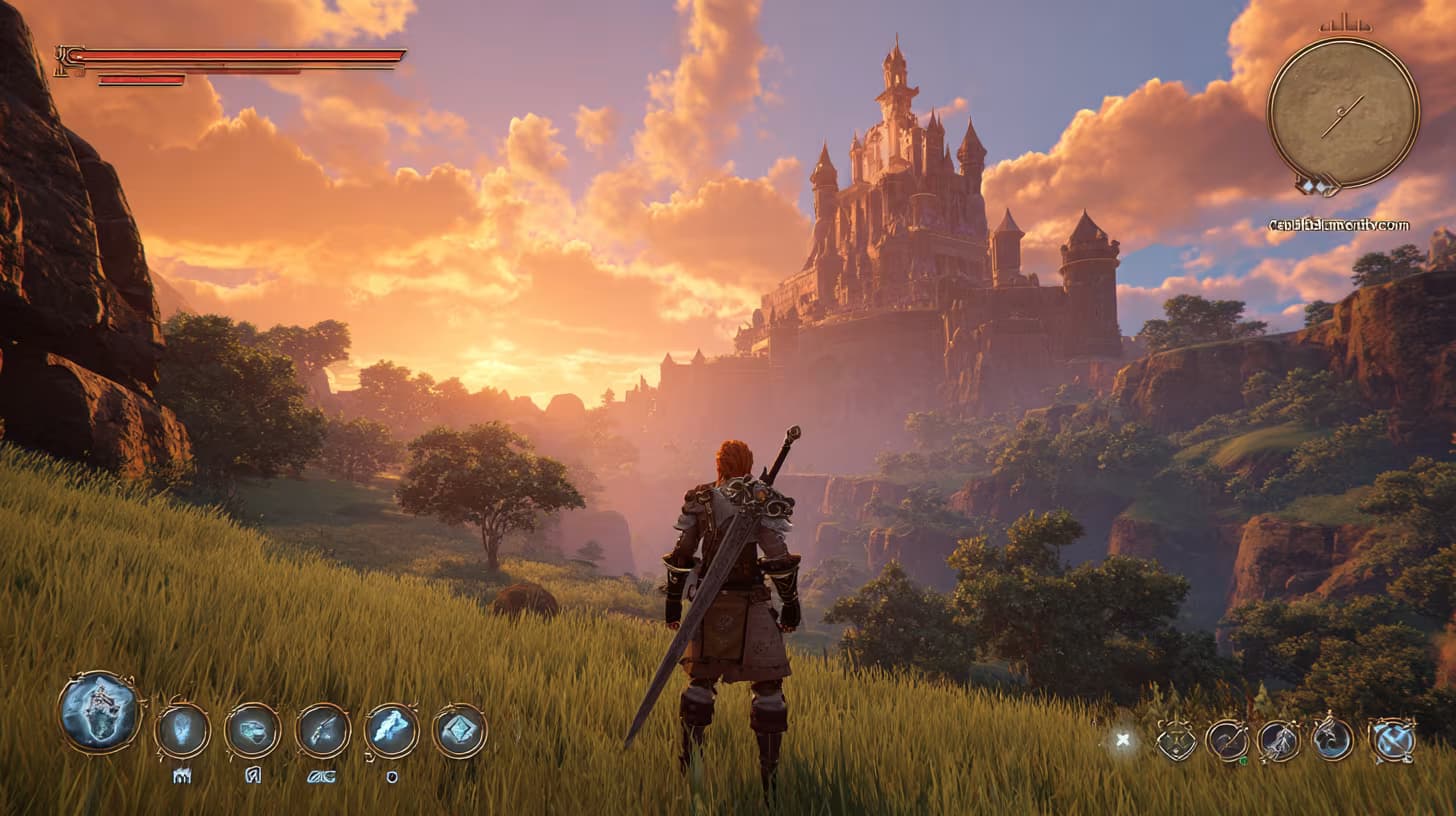
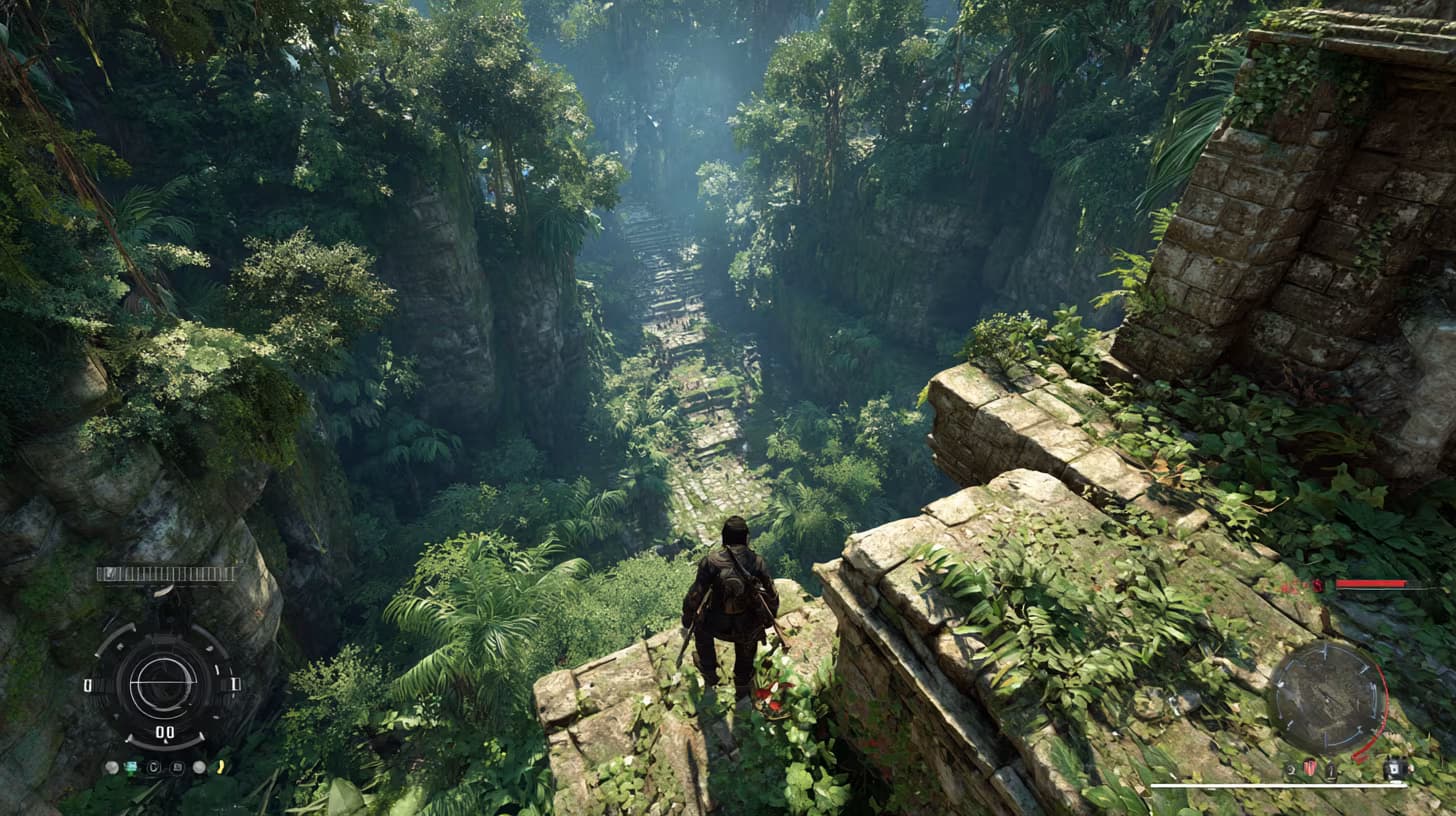
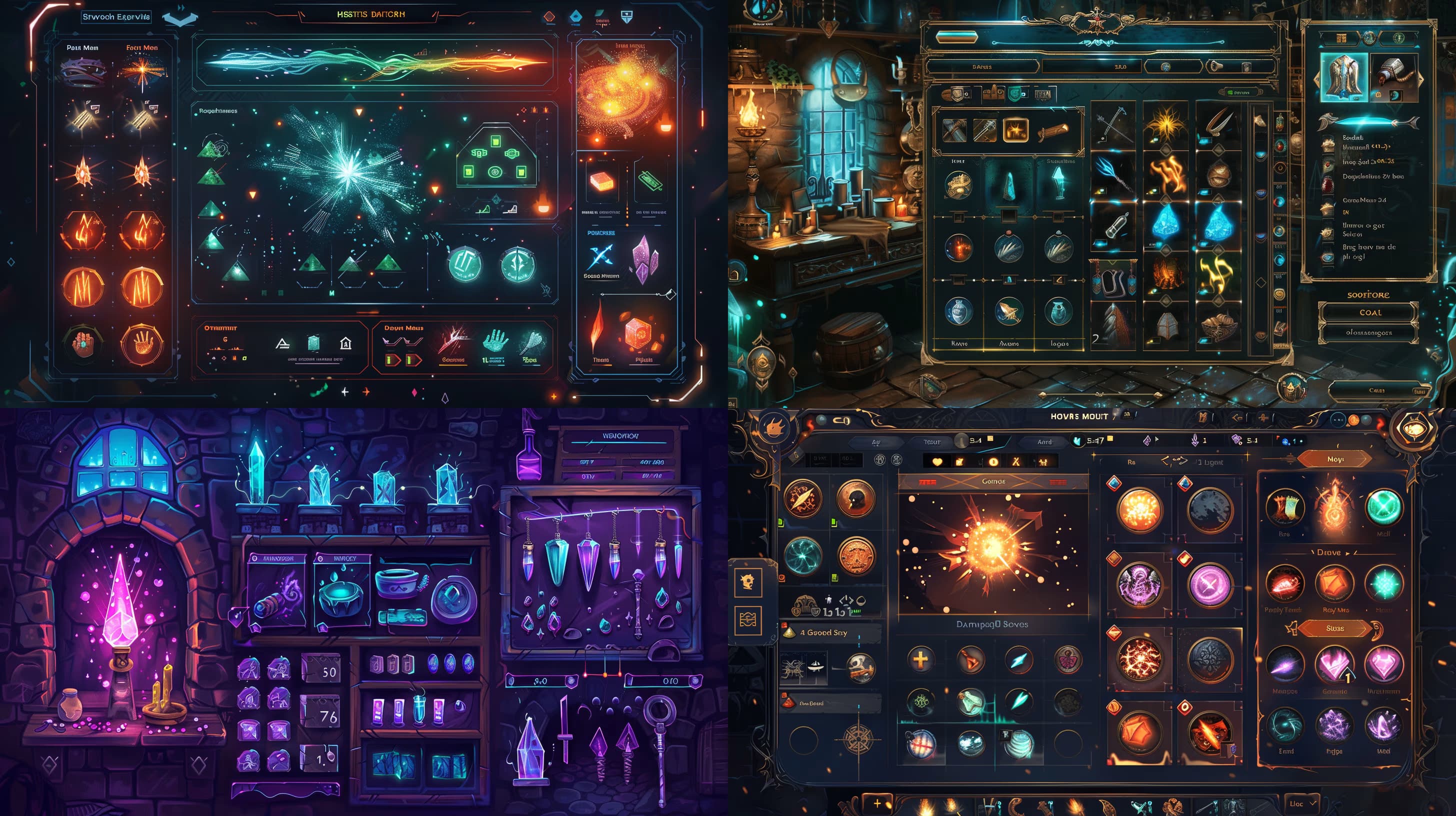
Screenshot of game UI design, {{scene-description}}, cinematic third-person adventure mood. HUD overlay shows stamina bar, compass, and item wheel. --ar 16:9 --raw

Game UI Design Screenshot Generator

Generates cinematic game interface screenshots with HUD overlays, stamina bars, compass, and item wheels in a third-person adventure style. Runs on Midjourney, Flux, and other AI image models.

20
Generate Front View Music Streaming App Mockup flat front mobile screen, black background with glowing purple accents, fullscreen album art hero at the top, floating play button, clean tab bar navigation, immersive yet minimal UI aesthetic. --ar 3:4 --raw

Music Streaming App Mockup Generator

Generates a flat front-view mobile mockup of a music streaming app with fullscreen album art, glowing purple accents, and minimal UI. Runs on Midjourney, Flux, and other image models.

15
Retro pixel art UI icon, 32Ɨ32 or 48Ɨ48 resolution, hard edges, no anti-aliasing, {{perspective}} view, strict 8-color palette: #F2F2F2 light gray, #C0C0C0 silver, #000000 black, #FFFFFF white, #0000FF blue, #00FF00 green, #FFFF99 pale yellow, #008080 teal, 1px black outline around all shapes, dithered shading using checkerboard or diagonal line patterns with three tones per surface (base color, highlight, shadow), flat top-left lighting with white highlights and #808080 shadows, opaque #F2F2F2 background, static non-animated style --ar 1:1 --v 6 --style raw --no gradients, blur, anti-aliasing

Retro Pixel Art Icon Generator

Generates low-resolution pixel art UI icons at 32Ɨ32 or 48Ɨ48 resolution with hard edges, dithered shading, and a fixed 8-color palette. Runs on Midjourney, Flux, and Nano Banana.

14

What are Nano banana prompts for Developers?

Nano banana prompts for Developers are engineered instructions that already work, written and tested for Nano Banana. These are not one-line questions. Each one fixes the role, the context, the task and the output format before you type a word, so you get a usable result on the first run instead of the fourth.

They cover the work Developers actually get asked for: research and briefs, copy and content, analysis and reporting, planning, outreach and the admin that eats the day. Open a card to see the full prompt and the output it returns.

Popular on this page right now: "Minimal Desktop Monitor Mockup Generator", "Modular Dashboard UI Design Prompt", "Game UI Design Screenshot Generator".

24 on this page, every one scoped to Developers. Free to read, free to copy.

Why these prompts work for Developers

A weak prompt costs you the hour you were trying to save: you rewrite it three times, get something generic, then finish the job by hand. An engineered prompt front-loads that thinking once.

In Developers that means first drafts you can send, analysis you can act on, and the repetitive work handed off, so the time goes into judgement instead of typing.

Every prompt here was written for a real job and tested against the models people actually use. Nothing scraped from a thread.

How to use these prompts in Nano Banana

Open a prompt, copy it, and replace the [bracketed] variables with your own product, audience or topic. The structure around them stays as is. That structure is the part doing the work.

Paste it into Nano Banana and run. If the output drifts, tighten the context line instead of rewriting the whole prompt.

No account needed to copy one. No setup, no extension, nothing to install.

Do these prompts only work with Nano Banana?

They are tuned for Nano Banana, but the skeleton of role, context, task and format carries over to any capable model. Swap model-specific settings like tone or length when you move.

Are these AI prompts free to use?

A big part of the library is free: open a prompt, copy it, use it. Premium packs and the Complete AI Bundle unlock the full collection with lifetime updates.

How do I adapt these prompts to my use case?

Start with the [variables]: niche, audience, constraints. If the result still misses, add one example of the output you want. A single good example beats three extra instructions.

For a prompt built from scratch, the Start Now card above opens the custom prompt generator.

Related resources

Get smarter on AI every week

One email a week with the best new prompts, tools, and model updates. Unsubscribe anytime.

Join 100,000+ subscribers. One email a week, real prompts, tools, and model updates. Unsubscribe anytime.